
Help
Group members
See who is in the household, manage admins, and set the group icon.
- 1
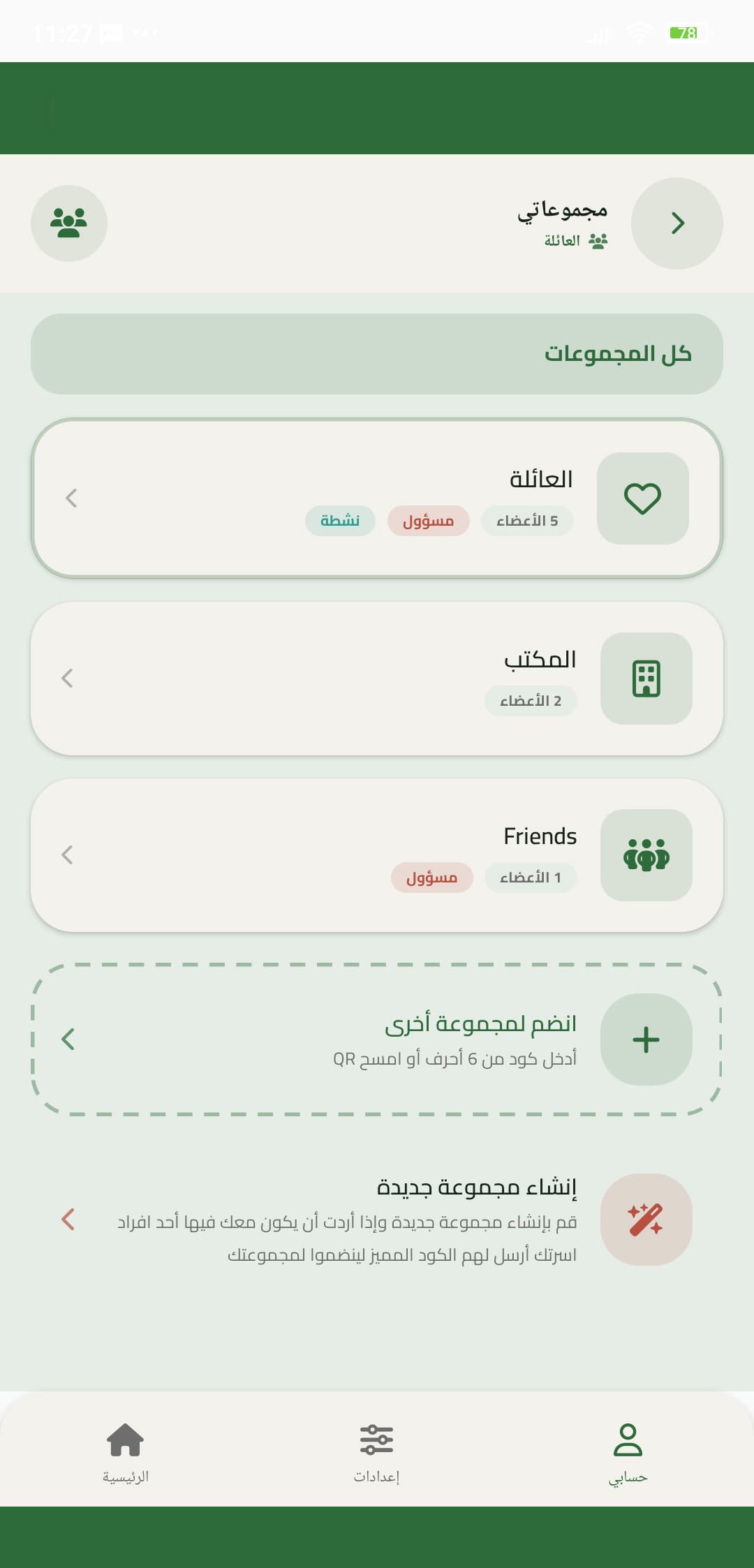
Open the group
Members, roles, and the group icon live on this screen.
- 2
Admins
Admins can invite, remove, and adjust the group. Ordinary members still add items and buy.
Invite with the QR screen rather than sharing a screenshot of a private chat.