
Help
Request items
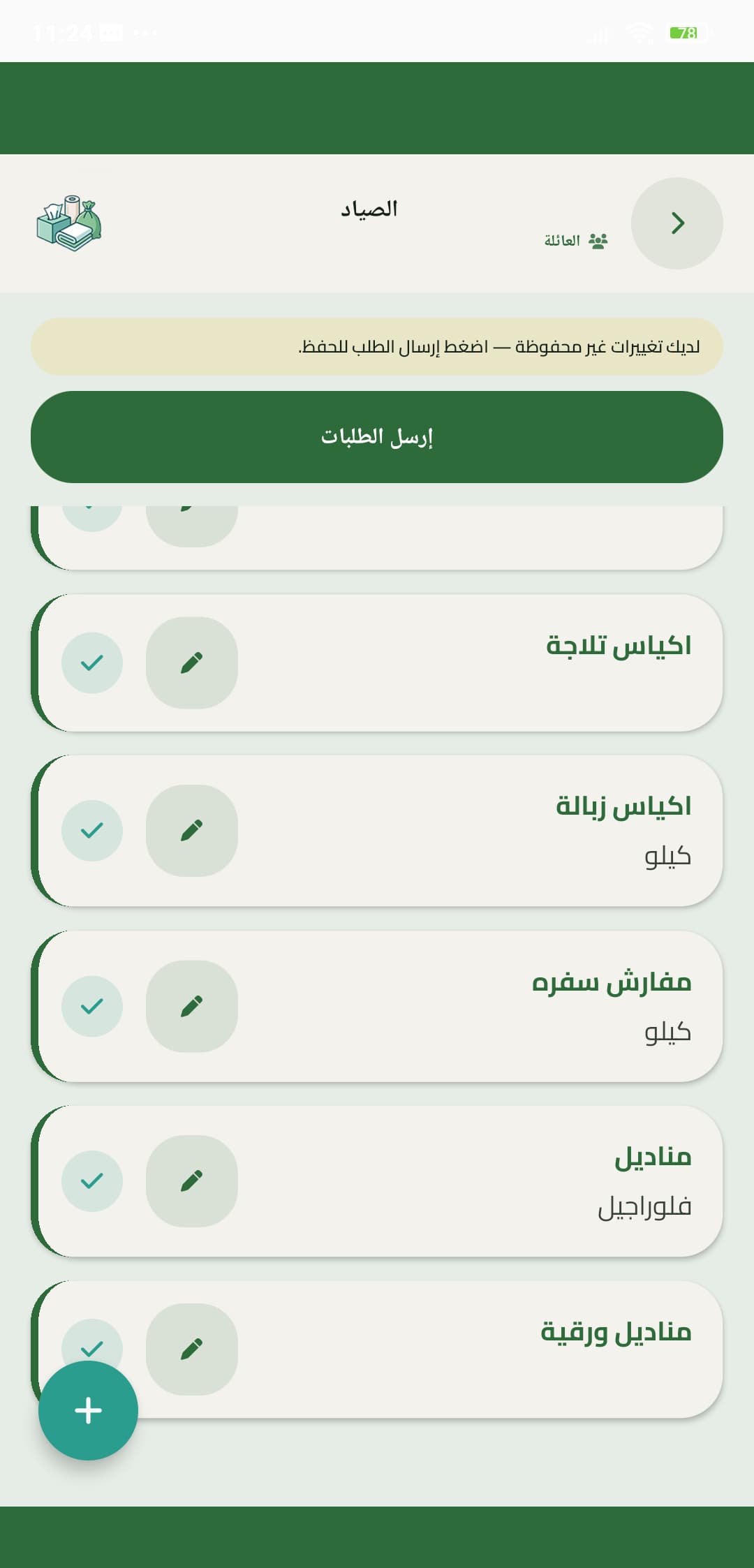
Add what the house needs, attach an item note if it helps, then send the order so the group sees a live list.
- 1
Add items
Search or pick from the shop catalogue. Set a quantity so whoever buys is not guessing.
- 2
Item notes
Use a note for brand, size, or a substitute. Notes travel with the item into the live list.
- 3
Send order
Send order starts the trip for that shop. The family then sees these items on Buy.
Sending does not order from a driver. Someone in the family still goes to the shop.