
Help
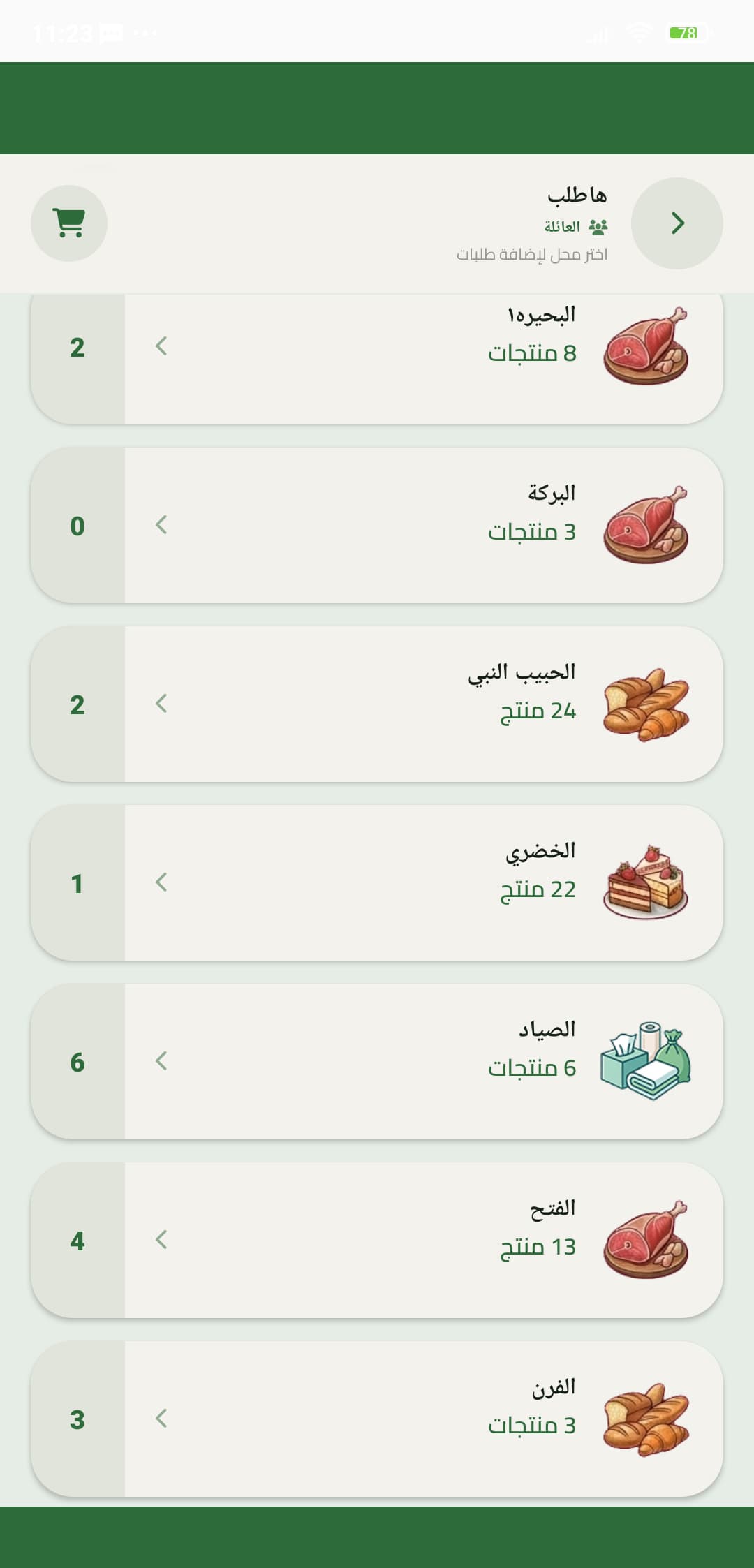
Choose a shop to request from
Pick one of your usual shops, then add items under that shop instead of a mixed chat list.
- 1
Open Request
From Home, open Request to see shops you can add items to.
- 2
Pick the shop
Tap the grocer, butcher, pharmacy, or any shop you already visit. Items belong to that shop.
If the shop is missing, add it from Settings before you queue items.